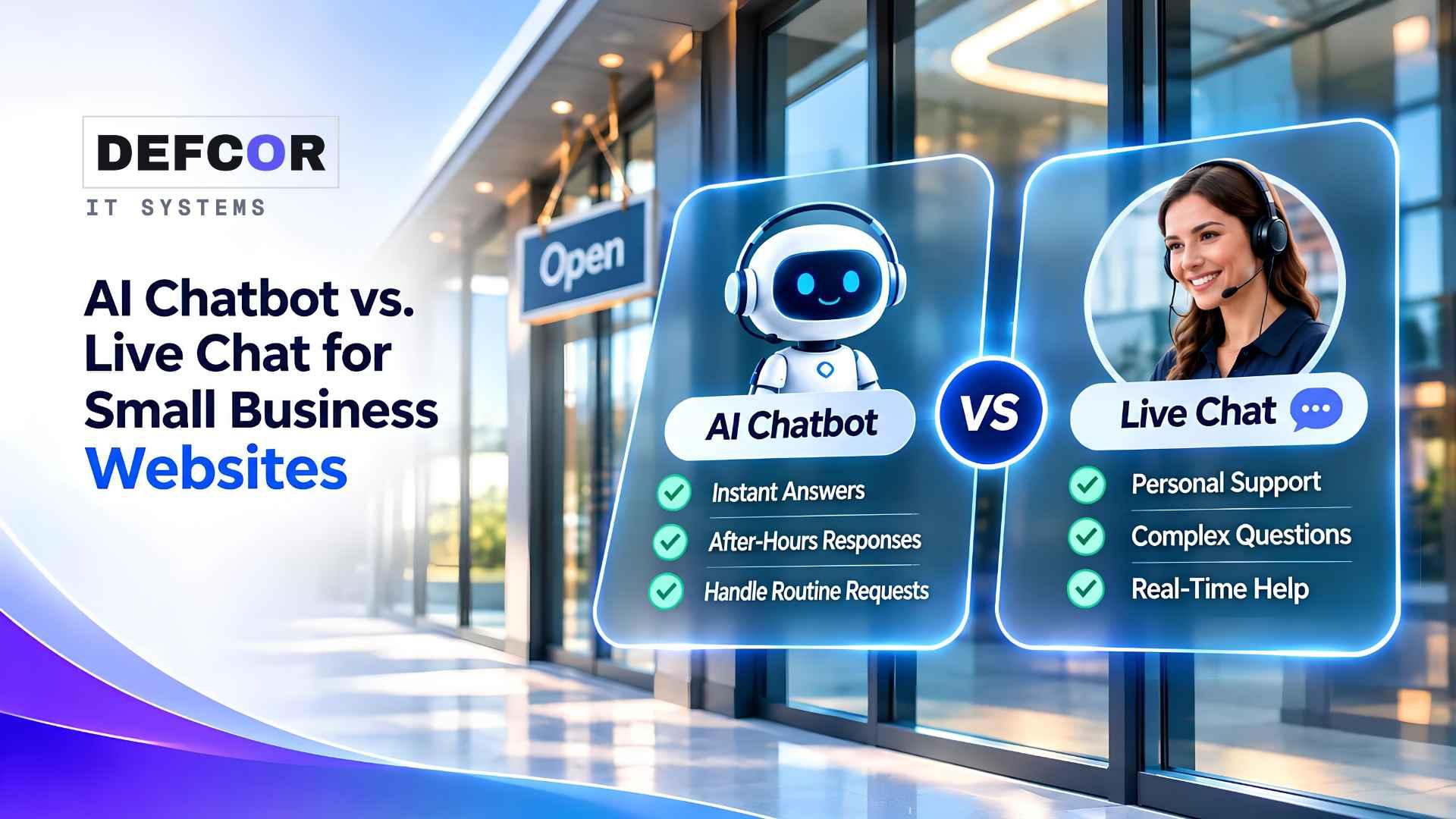
- 01.AI chatbots work best for routine questions and structured intake with approved answers, while live chat is stronger for exceptions and judgment.
- 02.A reliable chatbot needs working integrations, clear human handoff, limited permissions, and testing beyond whether the widget appears on the website.
- 03.Choose the smallest workable setup and expand only when completed customer requests improve without excessive correction or staff cleanup.
What Each Chat Option Actually Does
A visitor asks whether your company serves their ZIP code while your office manager is handling another customer. Someone else wants a refund exception. Both arrive through the same chat window, but they need different responses. Choosing an AI chatbot for small business starts with separating routine information from decisions that require someone with authority.
Use AI when visitors repeatedly need approved answers or basic intake outside staffed hours. Favor live chat when conversations involve negotiation, uncertainty, or sensitive problems and employees can actually respond. A combined approach works when routine questions stay with automation and exceptions reach a responsible person. The chatbot vs live chat decision depends on that division of work.
Website chat is a communication channel, not a single capability. A scripted bot follows predefined choices. An AI system generates replies using instructions and available information. Live chat connects visitors to your team or a contracted service, sometimes with automated greetings or suggested responses. Before comparing products, establish who answers each conversation and what they are allowed to do.
AI Handles a Defined Scope
An AI chatbot for small business can explain published services, collect inquiry details, and guide visitors toward a suitable next step. Its usefulness depends on accurate source material and clear limits. An assistant connected to outdated opening hours can answer quickly while still giving the wrong answer. Assign someone to approve and maintain the information it uses.
DEFCOR’s AI chat automation service describes answers drawn from business information, lead intake, booking, and human handoff. Those are separate functions to specify and test. A chat widget displaying appointment options does not establish that it can create a valid calendar entry or notify the right employee. Integration access, permissions, and business rules determine the working scope.
People Handle Exceptions and Judgment
Live chat gives an employee room to clarify an unusual request, recognize frustration, and make an authorized exception. People still need current policies, suitable account access, and training. Otherwise, two employees may give conflicting answers. Coverage also costs staff time: someone handling reception cannot necessarily monitor chat continuously. Publish realistic availability and provide another route during busy periods.
Match the Choice to Your Customer Requests
The chatbot vs live chat decision turns on three questions: Can approved information resolve the request? Does the next step need discretion or private account access? Is someone available to respond? Review recent inquiries against those questions, including when they arrive. High volume alone does not justify automation if most requests still require a specialist.
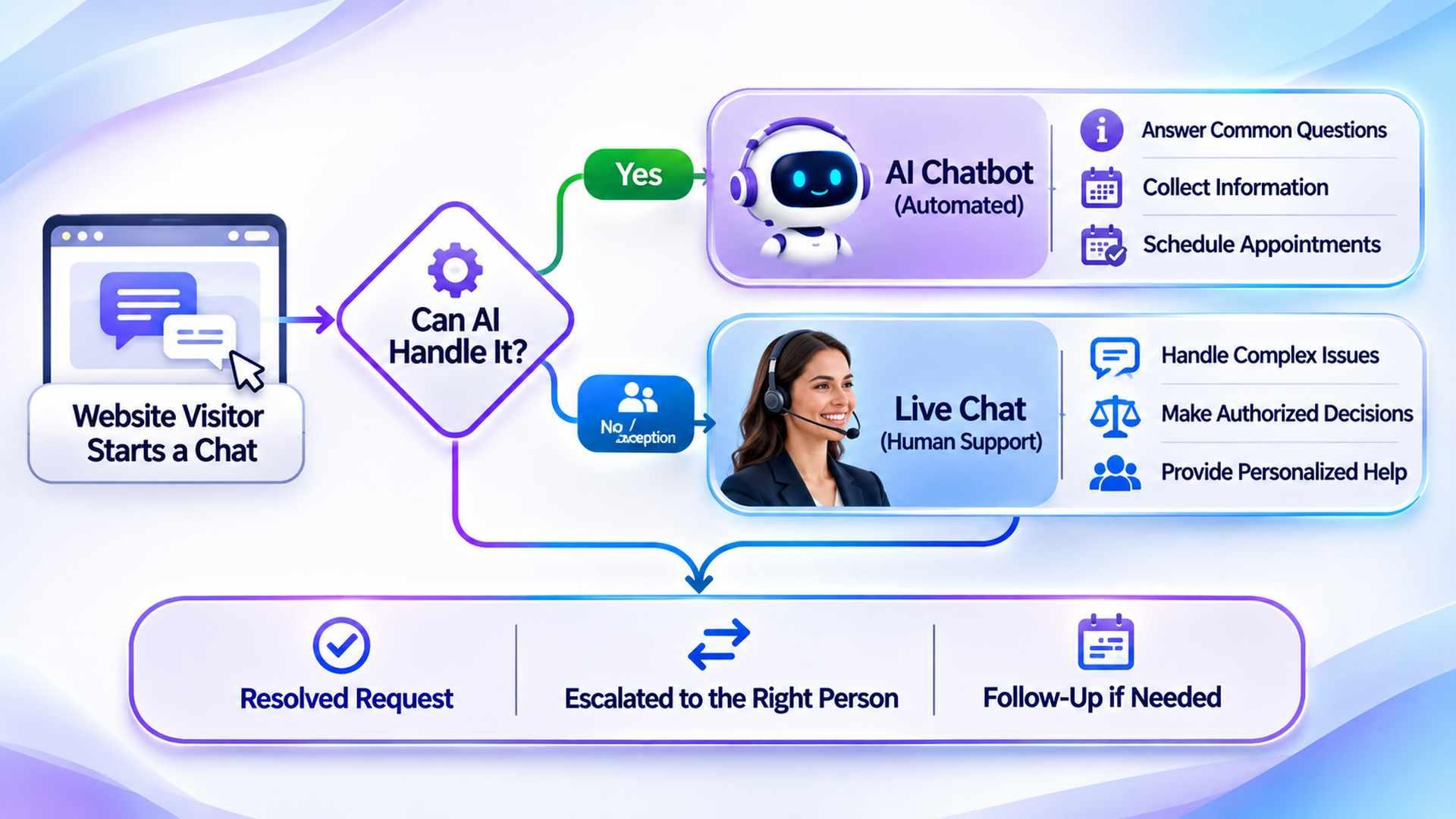
Consider a hypothetical Houston HVAC company. An existing customer visits after closing to arrange maintenance. An AI chatbot for small business checks the approved service area, collects the request, and reserves an authorized calendar slot through a compatible integration. The visitor receives the appointment details. Booking does not dispatch a technician, and answering overnight does not establish overnight field service.
Before leaving, the customer questions a charge from an earlier visit. The assistant offers human help, but nobody is available. It explains that staff have not joined and offers the approved callback route, confirming receipt only if the request is saved. A firm dominated by billing disputes may gain little from this kind of automation. Staffed chat or a clear inquiry form may fit better.
- Choose automation for recurring questions with approved answers, simple intake, and clearly defined limits on actions.
- Choose staffed chat when exceptions, detailed explanations, or authorized decisions dominate and employees have time to respond.
- Combine them when routine inquiries can be separated reliably and a named person owns transferred conversations.
Make Human Handoff Work Before Launch
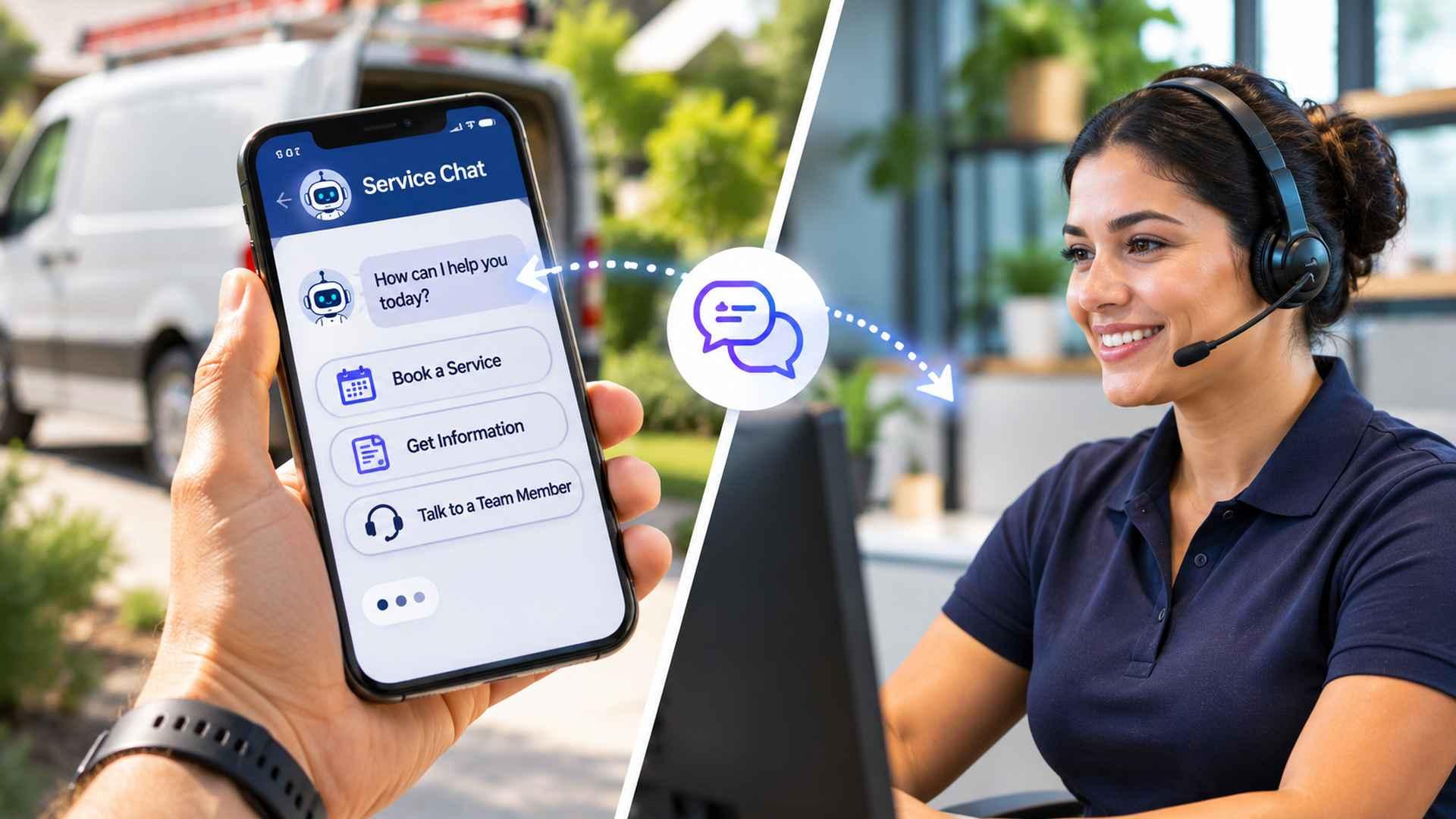
A combined service needs a complete transfer process. DEFCOR’s guide to small business workflow automation offers a useful way to map ownership across intake, routing, and business records. Tell visitors when they are speaking with automation and make requesting a person easy. Transfer the transcript and useful intake details through an approved channel, then assign ownership. If staff cannot accept the conversation, explain the callback process without promising a response time the business cannot support.
Decide What Requires Escalation
Configure escalation for requests outside approved information, disputed charges, repeated misunderstanding, and explicit requests for a person. The system should acknowledge uncertainty instead of improvising a policy. In safety-sensitive situations, use approved emergency messaging rather than automated troubleshooting. Healthcare and legal practices should keep clinical decisions and legal judgment with qualified professionals and use appropriate intake channels.
Confirm Actions and Handle Failures
Lead capture records an inquiry; qualification checks business criteria; booking reserves an authorized appointment. The chatbot should confirm an action only after the receiving system accepts it. If the connection fails, explain what remains incomplete and offer another route. Record enough diagnostic information for staff to investigate without exposing private customer details in the public conversation.
AI Chatbot for a WordPress Website: What Installation Changes
Choosing an AI chatbot for a WordPress website starts with understanding what you are installing: a plugin with its own service, a connector to another provider, or an embedded widget. These arrangements place support responsibilities with different suppliers. Establish who maintains each component and handles compatibility after updates. Installing the interface does not establish that answers, integrations, and staffed escalation work.
Test the offered widget on a protected site copy. Check phone screens, keyboard navigation, the close button, and whether it obscures forms. Compare loading behavior before and after installation under similar conditions. For a plugin, review update and compatibility information and consult the WordPress Plugin Developer Handbook. A visitor must be able to dismiss chat and use the original contact route without completing the automated conversation.
DEFCOR’s guide to website management explains why important customer tasks need testing beyond whether a page loads. Follow a sample inquiry into the receiving inbox or CRM and verify that someone sees it. Retest after changes to the website or connected services, with responsibility assigned for fixing failures and maintaining the approved business information.
Conversations may be processed by an outside service rather than within your hosting account. Identify that provider, the account owner, retention settings, export options, and removal procedure. Keep business access to configuration and records when changing developers. A usable backup and a documented way to remove the widget make reversing the installation more manageable.
Compare Cost, Data Handling, and Evidence
The best AI chatbot for small business meets your workflow requirements within a supportable budget. A quote for an AI chatbot for a WordPress website should separate installation from subscriptions, usage allowances, integration work, and ongoing review. Ask what happens at usage limits and during supplier outages. Compare those costs with staffed chat, including supervision and coverage during breaks.
Calculate the staff effort per completed inquiry, including time spent correcting answers and following up on abandoned transfers. A lower subscription can be outweighed by manual cleanup. Request a written scope showing which changes are included and which require additional implementation work before comparing proposals.
Do not select the best AI chatbot for small business from a polished demonstration alone. Ask the provider to use approved test information for an unavailable appointment, an unsupported question, and an interrupted connection. Review the actual stored result and staff notification. A convincing reply is only one part of completing a customer request reliably and within the agreed scope.
Limit the information requested in public chat. Avoid collecting passwords, payment card details, or unnecessary sensitive records. Review retention, deletion, staff access, and whether the supplier uses conversations for model training. Give integrations only the permissions they need, following the principle of least privilege, and enforce authorization outside the model. Instructions alone should not control access to private customer records or permission to change them. If account-specific assistance is needed, move the visitor to an authenticated channel rather than treating a name or email address typed into chat as proof of identity.
Run a Limited Pilot With Clear Ownership
Pilot an AI chatbot for small business on one task, such as service questions and quote intake. Record completed requests, incorrect answers, unaccepted transfers, and staff correction time alongside visitor volume and staffed hours. Compare equivalent periods with the previous process. Separate visitors who only needed an answer from those requesting staff help; combining them can hide poor handling of exceptions.
Before launching an AI chatbot for a WordPress website, agree on reasons to pause it. A wrong service area answer may require disabling that topic; an unauthorized action may require disconnecting the integration. Keep unaffected contact options available while investigating. A suitable chatbot should let staff restrict its scope without waiting for a complete website rebuild.
When reviewing a supplier’s portfolio, separate evidence of building an assistant from evidence of operating website chat. DEFCOR’s Jacob AI assistant project concerns a separate implementation. For your purchase, request a demonstration of the proposed widget with an outdated opening time, then watch the correction process. Identify who approves the change and verify the revised answer. Assess what the supplier demonstrates for your workflow rather than assuming the portfolio establishes compatibility.
Conclusion
Resolve chatbot vs live chat by reviewing recent inquiries and selecting the smallest workable service. Start with automation if approved answers resolve most requests; choose staffed chat if discretion dominates and coverage is realistic. Where neither fits, improve the service pages and inquiry form first. Expand a pilot only when completed requests improve without an unacceptable correction burden. Keep the original contact route available while testing.
Frequently Asked Questions
Should a small business choose AI or live chat?
Use AI for approved routine answers. Choose staffed chat when requests require discretion and employees can respond.
Can a chatbot book appointments?
Only with a compatible scheduling integration and appropriate permissions. Confirm bookings after the calendar accepts them.
Does WordPress installation guarantee reliable chat?
No. Test answers, mobile usability, integrations, and human handoff before launch.
What happens when nobody accepts a transfer?
Explain that staff are unavailable and offer a callback or contact form. Confirm receipt only after successful storage. Keep another contact route available. Review transcripts and correct outdated information.
Defcor Team
. Part of the Defcor engineering team that builds and manages autonomous AI phone agents, IT systems, and automation infrastructure across Texas.