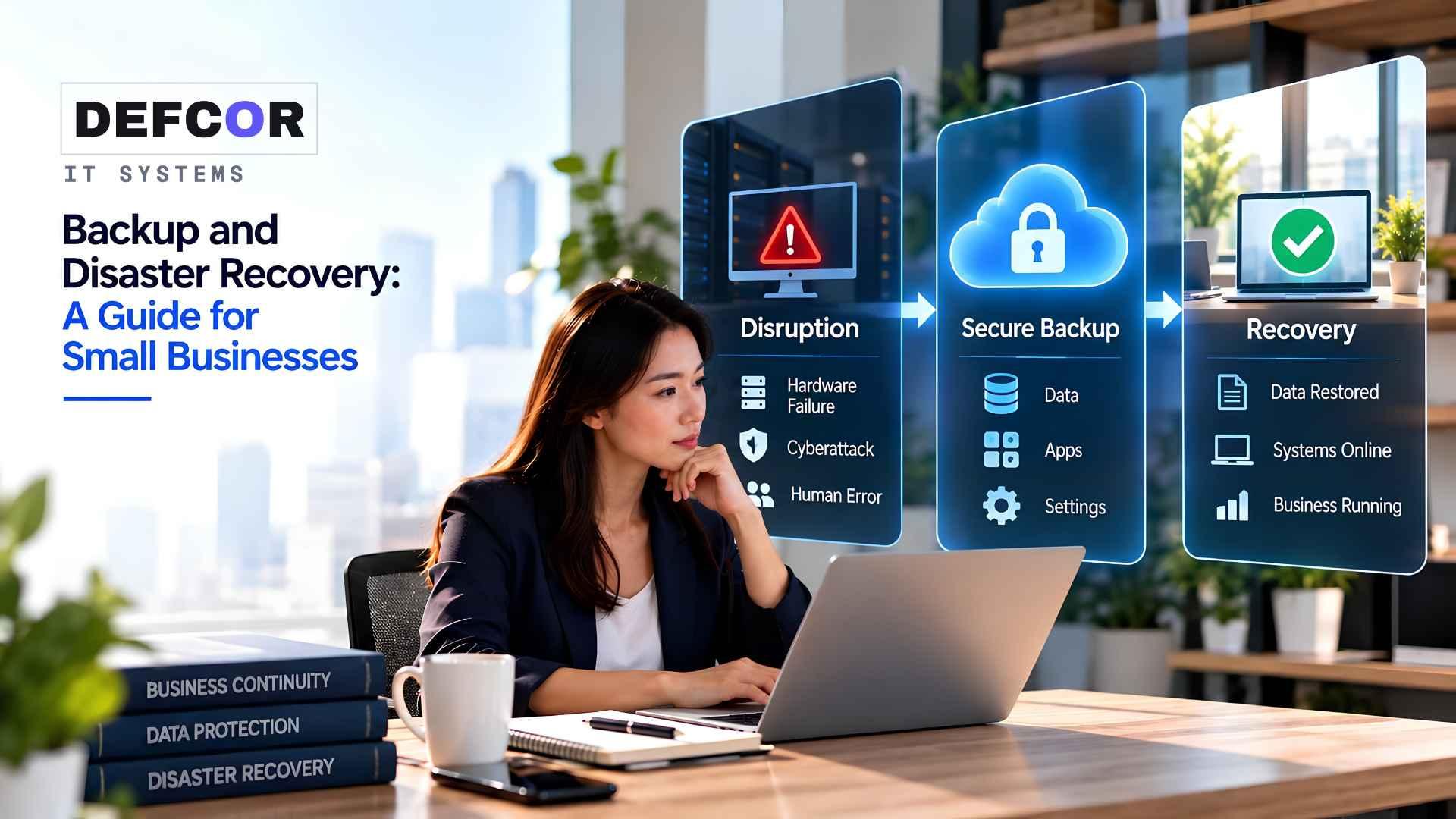
- 01.Backups protect data, while disaster recovery restores the systems, access, and procedures needed to resume work.
- 02.Recovery targets should define both acceptable downtime and acceptable data loss for each critical service.
- 03.A recovery plan is not proven until staff successfully restore and use a critical workflow in a controlled test.
Backup vs Disaster Recovery in Everyday Operations
An HVAC office opens on Monday to find its scheduling database unavailable. Technicians are ready, but dispatch cannot see today’s appointments or customer addresses. A recent backup might preserve the records. Getting crews moving also requires a working application, authorized access, and a way to recover requests taken during the outage.
That operational gap is where backup and disaster recovery for small businesses matters. The useful question is how the company will resume an essential task, with an acceptable amount of lost information. Answering it requires more than buying storage or checking that last night’s backup completed successfully.
A backup preserves copies of data or systems that can be recovered after loss or damage. Disaster recovery coordinates the technology, instructions, and people needed to restore service. DEFCOR’s managed IT guide places recovery within the wider infrastructure picture, where networking and access can affect whether restored applications actually work.
Choose the Right Level of Restoration
Restoring a deleted estimate may require only a file. Recovering the HVAC scheduling system could require its database, application configuration, compatible software, and replacement infrastructure. The recovery scope should follow those differences. Ask whether the backup supports the required restoration, including application consistency, rather than assuming a folder of copied files covers everything.
Check What Cloud Services Really Retain
Cloud storage and synchronization can keep files available across devices, but deletion or corruption may also propagate. Version history and built-in recovery features have specific limits. Cloud backup for small businesses should be evaluated against those limits: which records are protected, how long recoverable versions remain, and whether an administrator can retrieve them after the primary account becomes unavailable.
Set Targets Around Work That Cannot Wait
Start with the consequences of an interruption. In the HVAC example, dispatch information may need attention before archived marketing assets. An owner or operations manager should approve priorities because technicians cannot infer which delays the business can tolerate. An effective recovery strategy connects each critical workflow to the systems and information it needs.
Define Downtime and Data Loss Separately
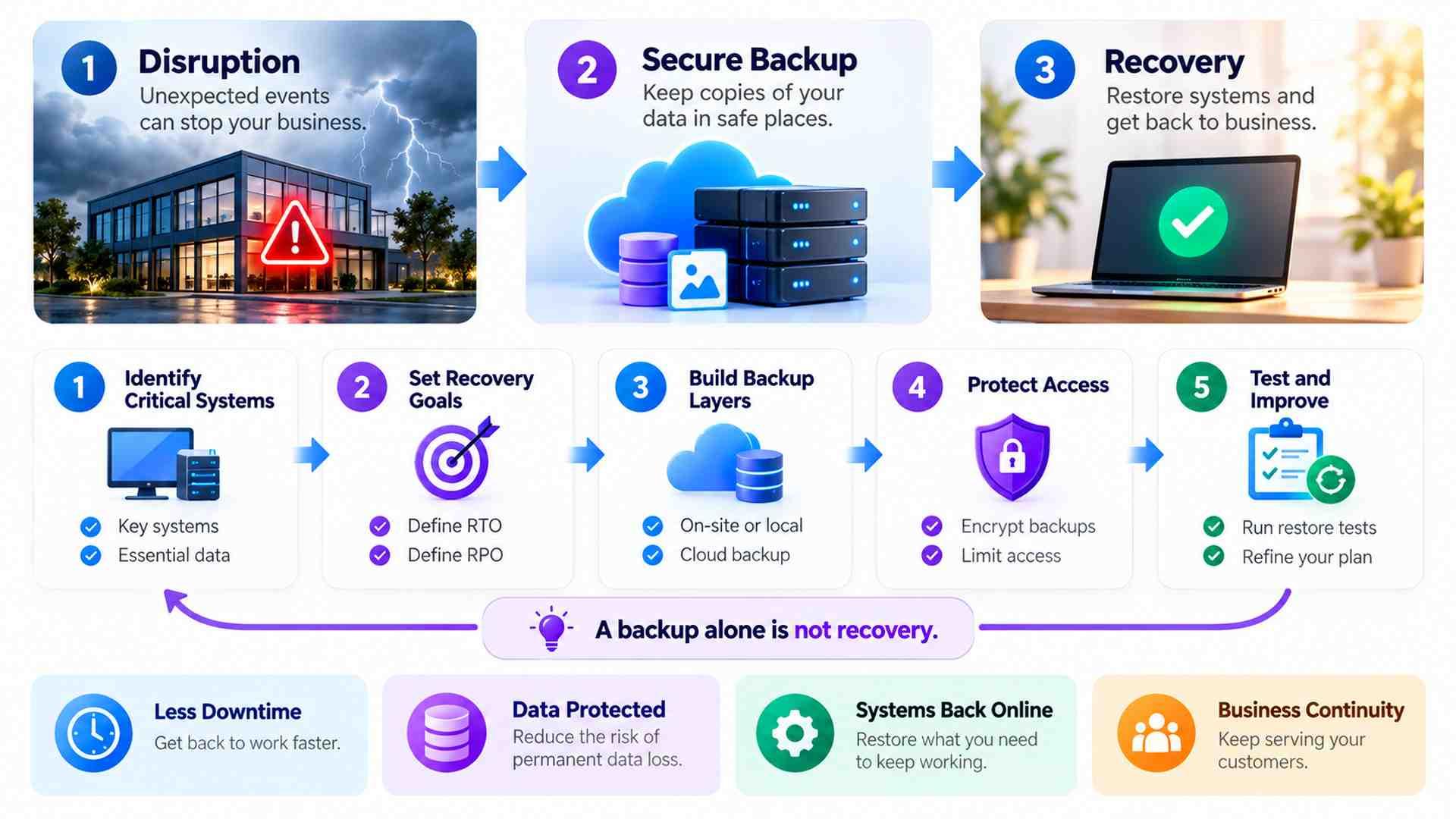
Recovery Time Objective, or RTO, sets the target time for restoring a service. Recovery Point Objective, or RPO, identifies how far back the business can accept recovering data, commonly expressed as a time interval. A small business disaster recovery plan should record both per critical service, together with the assumptions behind them and the person who approved them.
Suppose the HVAC office chooses an illustrative four-hour recovery target and accepts losing at most one hour of new bookings. A nightly backup alone cannot satisfy that data requirement throughout the day. More frequent protection may be needed, but frequency is insufficient unless backup jobs succeed and the resulting recovery points are usable.
Map Dependencies Before Choosing Products
The scheduling database might depend on an identity service, network connection, software license, and calendar integration. Record those dependencies and where recovery access comes from. In a recovery plan, restoring a database without its application can leave dispatch just as blocked as before. Product selection should follow this mapping, including any supplier responsibilities the business cannot control.
The same dependency map also distinguishes an outage at a cloud supplier from damage to your own data. A separate copy may preserve records without allowing the hosted application to run elsewhere. The plan should therefore include an approved workaround for supplier downtime, plus realistic expectations about exports, alternative software, and contractual access. Avoid promising a recovery route until someone has demonstrated that the necessary data can actually be used.
Keep Recoverable Copies Beyond the Original Failure
The familiar 3-2-1 guideline calls for three copies of important data, including the production copy, on two different storage media, with one copy off-site. It provides a practical starting point for backup design. It does not prove that copies survive a compromised administrator account or that restoration meets the company’s targets.
Balance Local Speed With Offsite Access
Local copies can avoid downloading large datasets when the office equipment remains usable. Off-site copies help when theft, fire, or another incident affects the premises. Cloud backup for small businesses offers an off-site option, but retrieval depends on available bandwidth, service restrictions, credentials, and encryption keys. Compare full restoration requirements rather than assuming every cloud copy is immediately accessible.
An external drive beside the server shares location risks. An online backup accessible through the same compromised account may share security risks. Offline or correctly configured immutable copies can provide additional protection; immutability restricts changes for a defined period. CISA recommends offline, encrypted backups and regular recovery testing as part of ransomware preparation.
Protect the Access Needed for Recovery
Limit permission to delete backups or change retention. Use multifactor authentication and separate administrative access where appropriate. Authorized staff also need a secure way to obtain recovery credentials and encryption keys when normal identity systems are down. Store essential instructions outside the affected environment, and verify that a designated substitute can use them without relying on the original administrator.
Write a Procedure That Survives an Outage
A small business disaster recovery plan should identify the incident lead, a substitute, restoration priorities, and an approved temporary workflow. For the HVAC office, that could mean recording incoming requests through a protected alternative and arranging dispatch by an agreed procedure. Staff must know how those temporary entries will be reconciled once the scheduling system returns.
Keep the procedure specific enough for another authorized person to follow. Include supplier details, access instructions, backup locations, and the dependencies that determine restoration order. The actual recovery procedure must match the customer’s environment. Before an incident, settle these operational responsibilities in writing:
- Name who can declare the incident, approve restoration, and authorize customer updates, including a substitute.
- Specify the restoration sequence, required access, and approved temporary process for essential work.
- Assign a business user to validate recovered records and reconcile work captured during the outage.
Treat Suspected Compromise Differently
A deleted file and a ransomware incident require different responses. Following a suspected compromise, qualified responders may need to isolate systems, preserve evidence, investigate the intrusion, and establish a clean environment before restoration. Backup vs disaster recovery becomes especially important here: having a copy does not establish that the destination is safe or that the selected recovery point is trustworthy.
Test Whether Staff Can Resume the Task
A successful backup notification reports a completed process, not demonstrated business recovery. Test recovery through a controlled restore into an isolated environment. Check the recovered version, completeness, permissions, and application behavior. Prevent test systems from sending customer messages, issuing invoices, or changing production records through connected services.

Agree on Pass Criteria Before the Exercise
For the HVAC scenario, require an authorized dispatcher to open the schedule, retrieve a known appointment, and perform a representative assignment using test data. Compare the recovered point with the approved RPO. Measure elapsed time across access retrieval, infrastructure preparation, application restoration, and business validation, using a clearly defined start and finish for the exercise.
If the four-hour target takes six hours, record the result as a missed target. Identify whether downloading data, obtaining credentials, or rebuilding the application caused the delay. Adjust the design or explicitly reconsider the business target, then retest. A small business disaster recovery plan should preserve these findings, with correction owners and dates, rather than simply recording that the exercise happened. Keep unresolved failures visible until the responsible person verifies the corrective work.
Set the exercise schedule according to operational risk and the rate of change. Revisit testing after significant application updates, migrations, or changes to access and integrations. Each test should have a named owner and a record of what was actually restored; a file retrieval test cannot establish full application recovery. This distinction prevents yesterday’s successful test from being treated as evidence for a different system or a newly changed workflow.
Evaluate the Provider’s Scope and Total Cost
Ask a provider to explain what its proposal includes and excludes. Relevant details include protected applications, retention periods, isolation controls, monitoring responsibilities, failed backup handling, restore testing, and incident support hours. Compare backup vs disaster recovery by asking separately who maintains the copies and who coordinates restoration. These responsibilities may sit with different suppliers and need clear handoffs.
Budget for management, testing, licensing, storage, and replacement infrastructure. Cloud backup for small businesses may reduce some hardware requirements, while introducing retrieval charges or bandwidth constraints depending on the service. DEFCOR describes scheduled restores and written procedures in its backup and disaster recovery service. Confirm the exact coverage and recovery assumptions in the proposal rather than treating general service descriptions as contractual guarantees.
Conclusion: Test Recovery, Not Just Backup
Begin with one essential workflow and ask for a controlled demonstration that staff can complete it after restoration. If the test misses an approved target, decide who will correct the gap and when it will be tested again. That evidence gives backup and disaster recovery for small businesses a practical foundation before the company expands protection to less urgent systems.
Frequently Asked Questions
Is backup the same as disaster recovery?
No. Backup preserves recoverable copies. Disaster recovery restores working services, including applications, access, dependencies, and staff procedures.
Does cloud storage replace a backup?
Not necessarily. Check retention, deletion recovery, account access, and whether independent copies protect essential records.
How often should recovery be tested?
Set a schedule based on risk, and retest after significant system changes.
What makes a recovery test successful?
Authorized staff can complete a representative task within approved downtime and data loss targets.
What should a provider proposal specify?
Coverage, exclusions, retention, testing, costs, contractual restoration responsibilities, and support hours.
Defcor Team
. Part of the Defcor engineering team that builds and manages autonomous AI phone agents, IT systems, and automation infrastructure across Texas.